I ignored Task Manager's Details tab for years — here's what I was missing about my PC's performance Tashreef Shareef / MakeUseOf Credit: Tashreef Shareef / MakeUseOf By Tashreef Shareef Published May 30, 2026, 12:00 PM EDT Tashreef's fascination with consumer technology began in the school library when he stumbled upon a tech magazine, CHIP, which ultimately inspired him to pursue a degree in Computer Science. Since 2012, Tashreef has professionally authored over a thousand how-to articles, contributing to Windows Report and How-To Geek. He currently focuses on Microsoft Windows content at MakeUseOf, which he has been using since 2007. With hands-on experience building websites and technology blogs, he brings practical developer insights to his technical writing. You can view his complete work portfolio at itashreef.com. You might also stumble upon his short how-to video explainers, simplifying complex topics. Beyond writing, Tashreef enjoys creating short explainer videos, gaming, and exploring animated shows. Sign in to your MakeUseOf account Add Us On follow Follow followed Followed Like Like Thread Log in Here is a fact-based summary of the story contents: Try something different: Show me the facts Explain it like I’m 5 Give me a lighthearted recap Task Manager is the first tool I open when I need to know where Windows is spending my CPU, memory, and GPU resources. If you are noticing slow system performance, the Performance tab in Task Manager is a quick way to understand if the issue is due to a service or an app running in the background. For instance, when my laptop charger went kaput , it still charged my laptop, albeit slowly, and brought it to a crawl. A quick look at the Performance tab showed my CPU clocking barely 0.6GHz when plugged in, while the base clock for the CPU was 3.0GHz. Which meant the charge had an issue, and replacing it fixed the problem. The Processes tab goes one step deeper by grouping resource usage per app, which is usua
Back to Home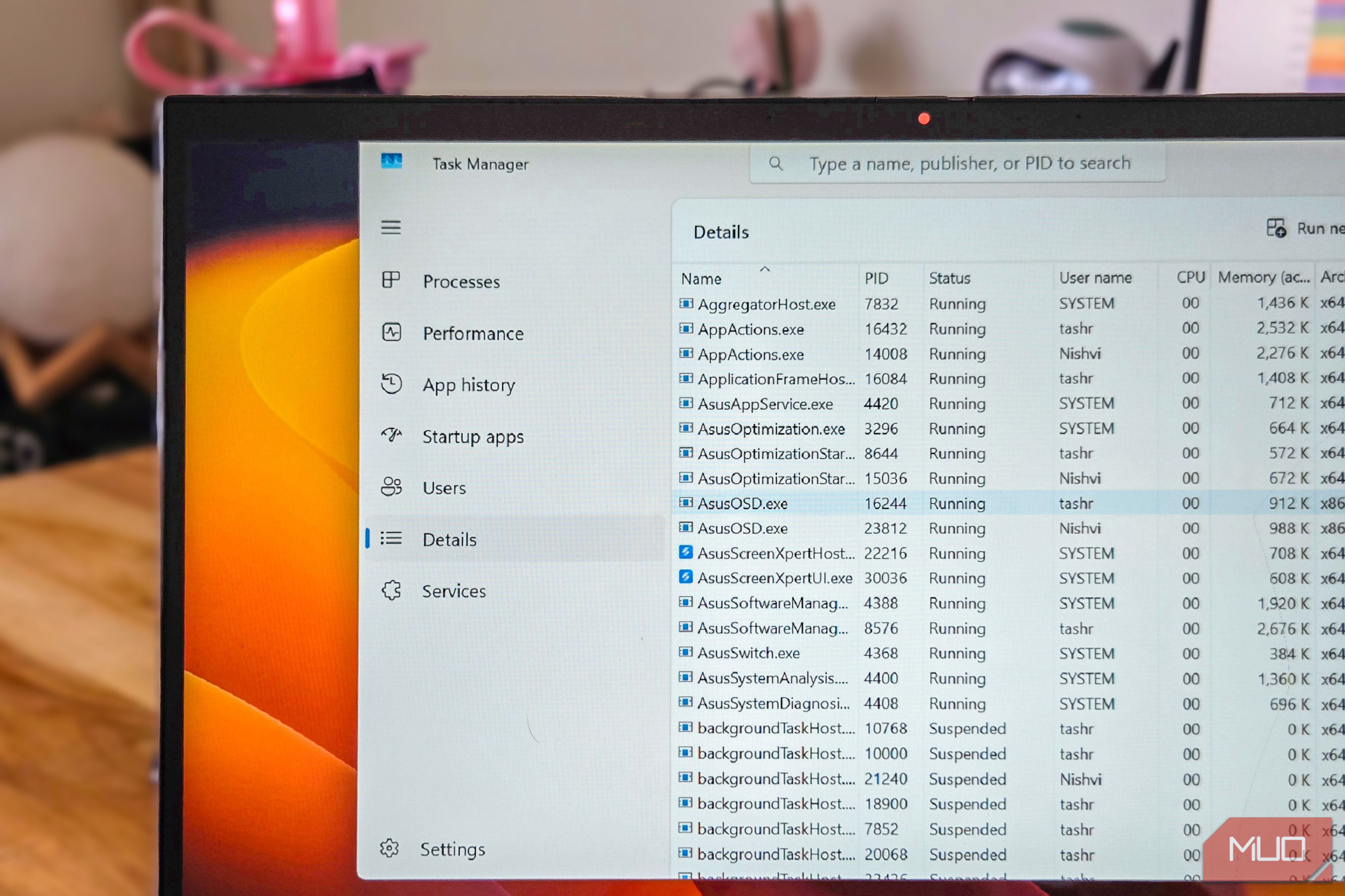
I ignored Task Manager's Details tab for years — here's what I was missing about my PC's performance
B
Blizine Admin
·2 min read·0 views
📰MakeUseOf — makeuseof.com
B
Blizine Admin
View Profile Staff Writer